
Upcoming bookings
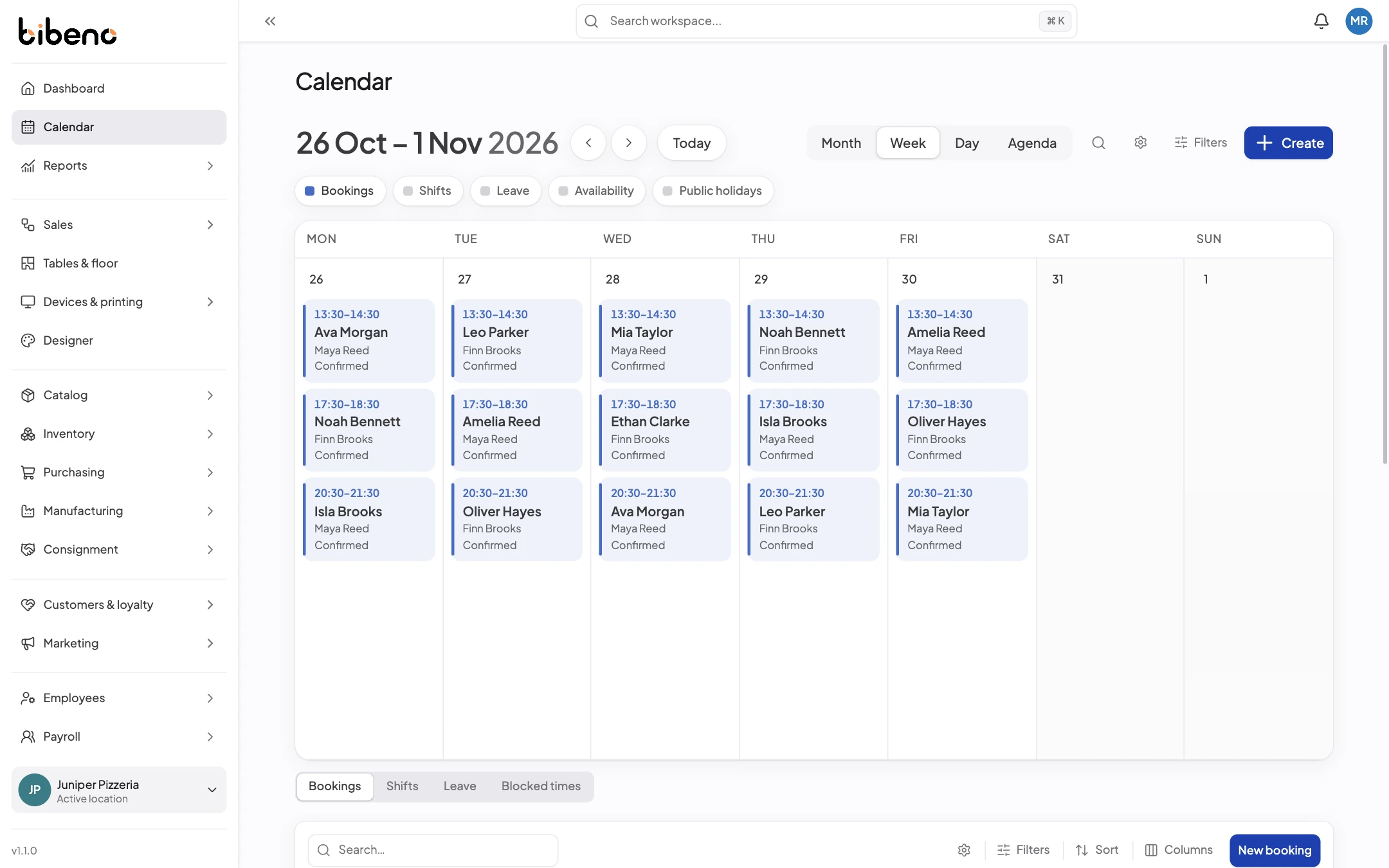
Look at what’s booked, the status of each booking and which staff or resources are assigned.


Check availability, book appointments and keep client details with each booking.
Bookings & clients
The diary shows each booking, its status and who is looking after the client. Open it when someone needs to move their appointment.
Appointments
A booking keeps the service, the staff member and any room it needs together, so your team knows what to expect.
Look at what’s booked, the status of each booking and which staff or resources are assigned.
Check when the service, the staff member and any resources it needs are all available.
See the client’s details and any changes to the booking before they arrive.
Set how long each service takes, the gap between appointments and the staff or rooms it needs.
Mark each booking as confirmed, arrived, completed or cancelled. The booking keeps a full history.
Record deposits and see what’s still owed. Recording a deposit doesn’t take the payment itself.
Essential storage is always active. Optional analytics and marketing tools remain off unless you allow them. Read more.
