

Team management
Your team.
Working together.
Bring employee records, access and time-clock review into the same Backoffice as the rest of your operation.

Advanced time and workforce workflows require Workforce Pro. Scheduling and leave need rollout confirmation. Payroll availability is separately gated; a demo does not activate payroll or payment services.
Look after your people
The details that
make the difference.
- 01
A place for every person
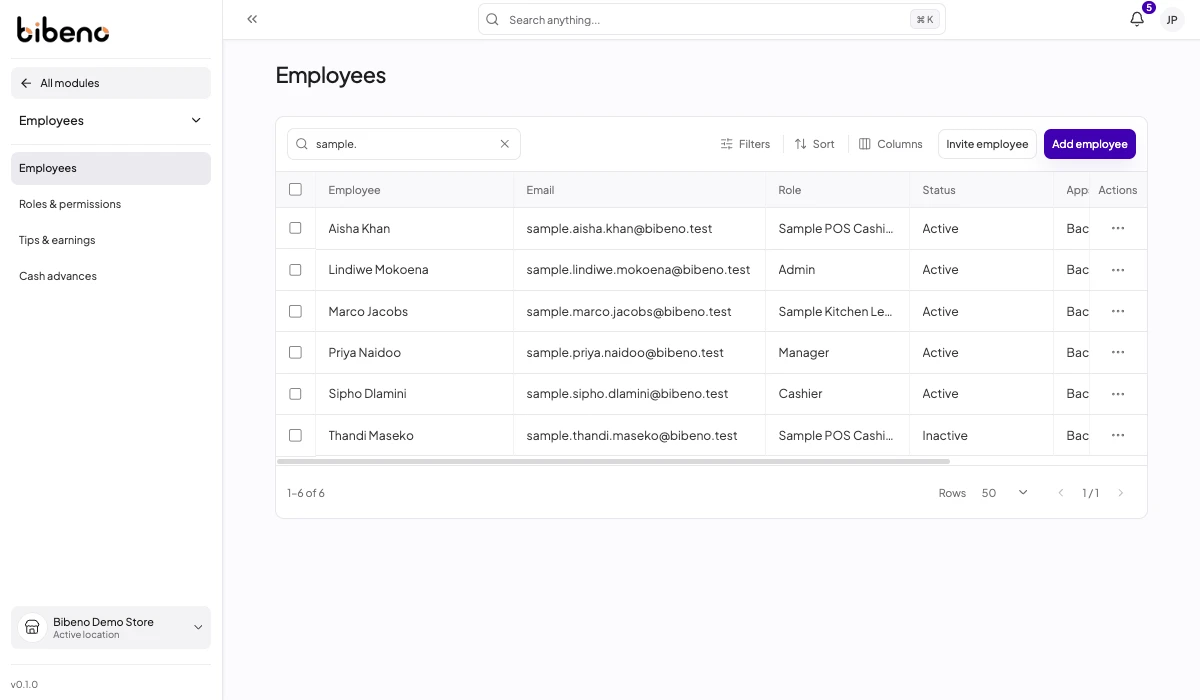
Manage employee records, location assignments and roles. Match access to each person’s responsibilities.
- 02
Make worked time visible
Review clock entries, corrections and exceptions before approving time. Keep the record behind each decision.
- 03
Plan your next stage
Discuss scheduling, leave and payroll requirements with us so your rollout reflects the workflows actually available to your business.
Inside Team management
The people behind your service.
Review employee roles, access and status in one place.
Keep it connected

