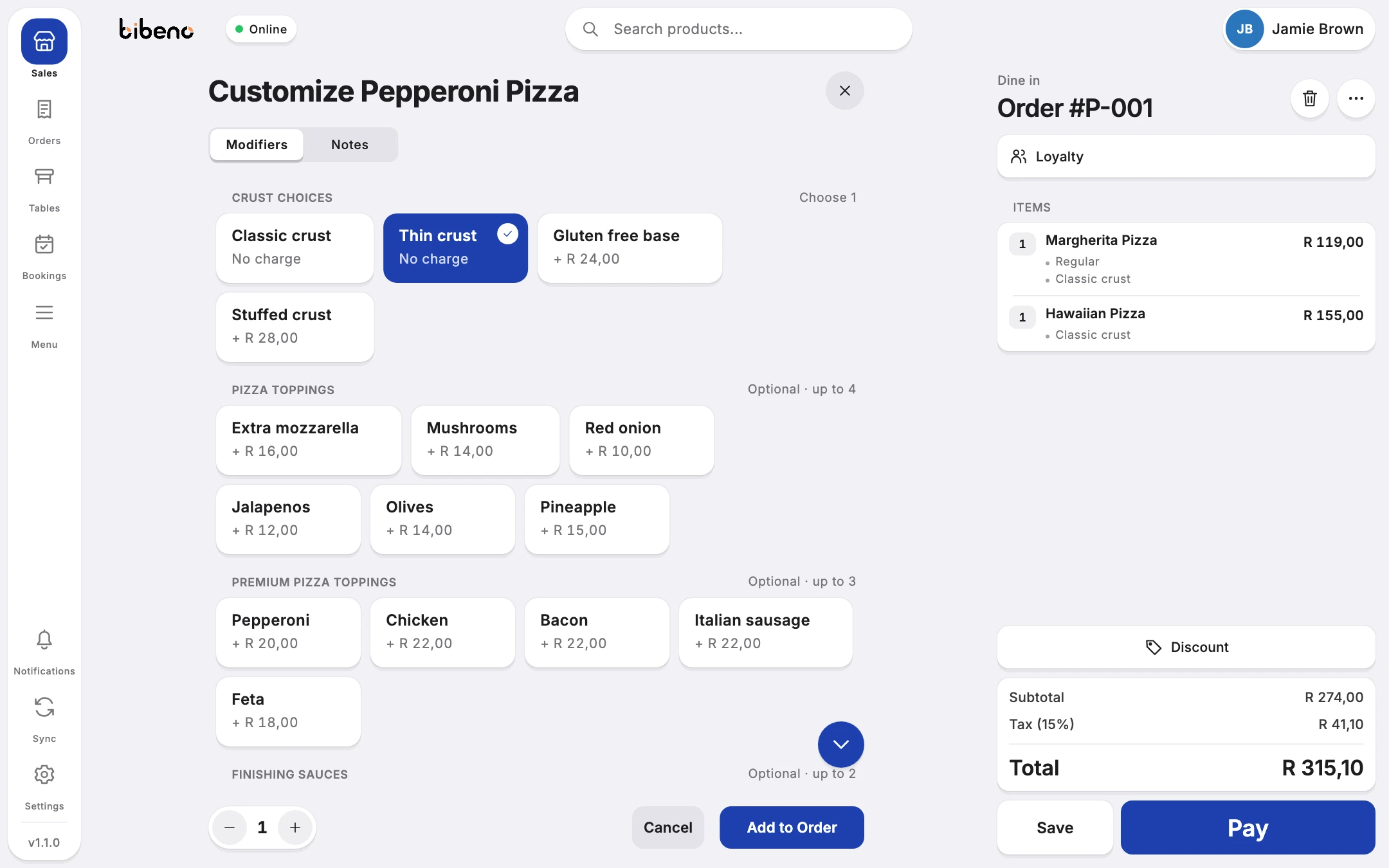


Take the order and
keep the queue moving.
Add items, extras and instructions as the customer orders. The total stays on screen the whole time.
Point of sale
“Make that a large, and add cheese.”
Change the size, add the extra and carry on. The items and the running total stay where you can see them.
See what it does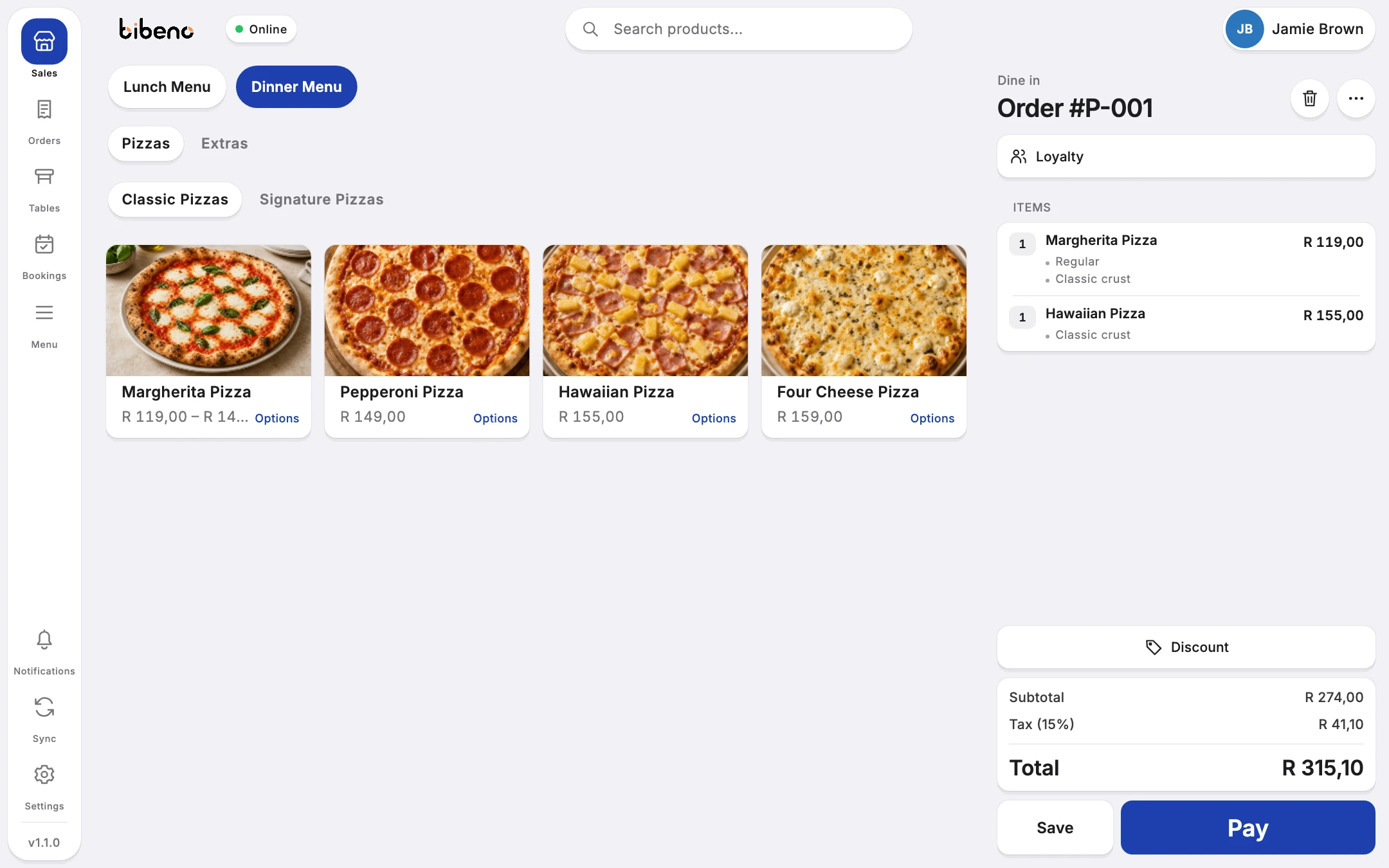
At the counter
What your team does at the till.
The everyday jobs, from the first item to the receipt.
Find the product
Browse your categories or search for a product, then add it to the order.
Add sizes and extras
Choose the size, add the extras and type any instructions before you move on to the next item.
Check the total
See the items, quantities, options and total together before you take payment.
Park an order
When a customer isn’t ready to pay, park the order and pick it up again later without starting over.
Print or send the receipt
Receipts follow the way your shop is set up. We’ll check your printer and card machine with you before you start.
Look up an earlier sale
Open the order history to check what a customer bought.