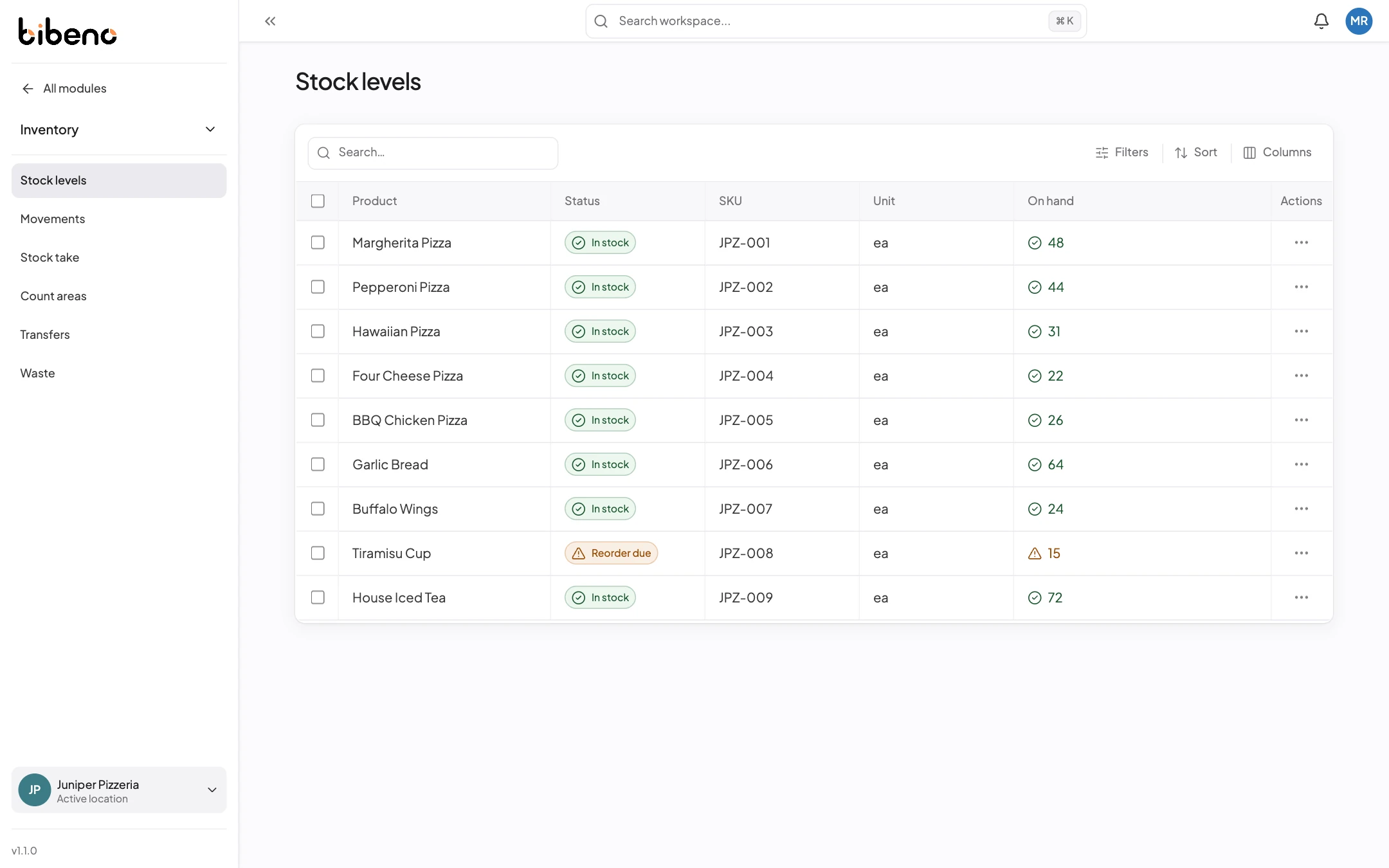


Stock figures you
can check.
See what came in, what sold and what was adjusted, then compare it with a physical count.
Inventory management
When the shelf and the system don’t match.
Start with the movement history. Open the sale, delivery or adjustment that changed the quantity, then count what’s on the shelf.
See what it does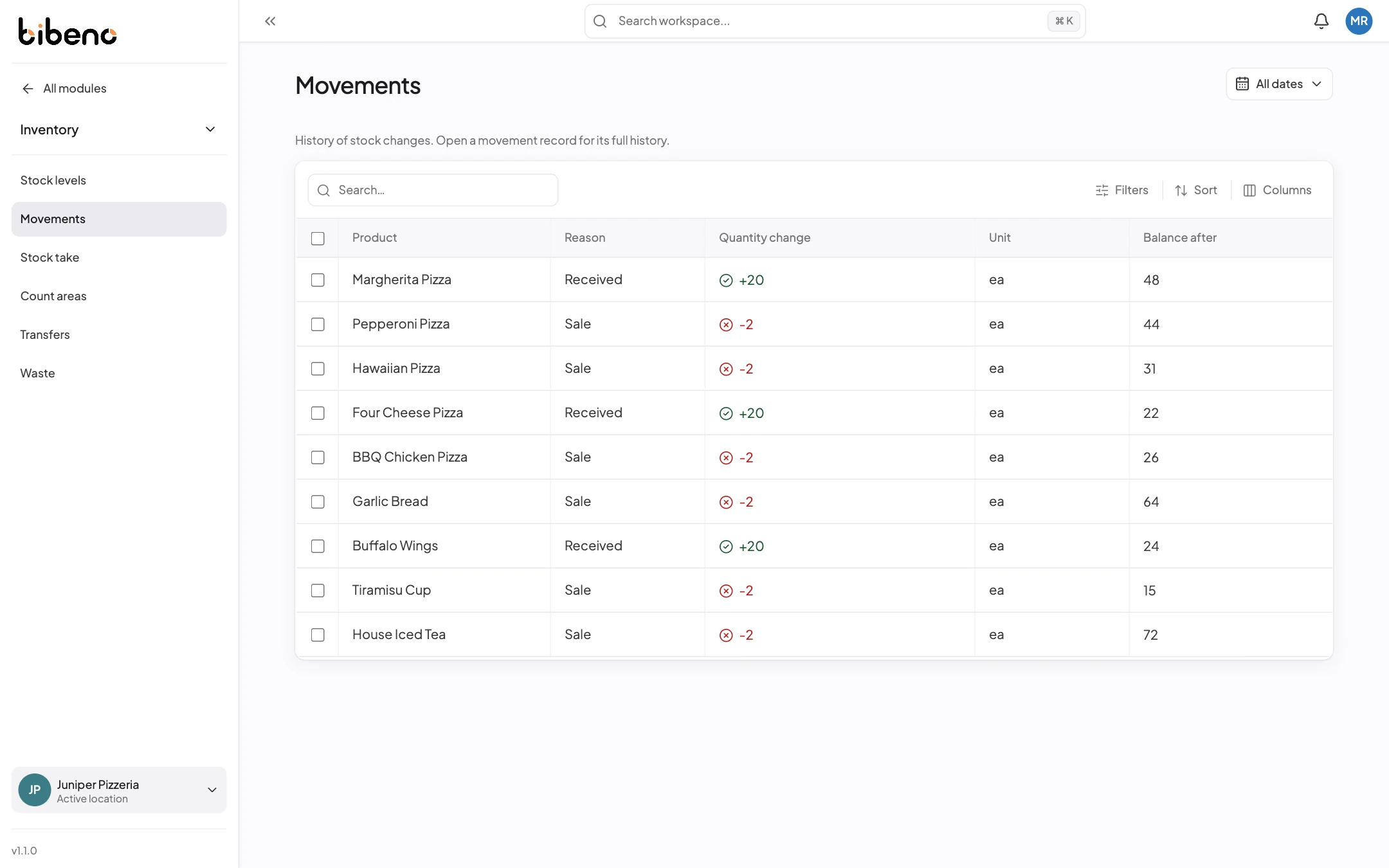
Stock control
How you keep your stock figures right.
The movement history shows why a quantity changed, and a stock take shows what’s actually on the shelf.
Movement history
Look back at when each quantity changed and what changed it.
Find a shortfall
Compare what was requested with what was applied to see where a movement came up short.
Do a stock take
Count what’s on the shelf and bring the quantity on hand in line with it.
Receive deliveries
Record deliveries against your suppliers and purchase orders, with the quantity and unit you received.
Keep track of adjustments
Every stock adjustment is listed with the time it was made, so you can go back to it later.
Stock for each shop
Stock figures are for the shop you’ve selected. Transfer stock when it moves between shops.